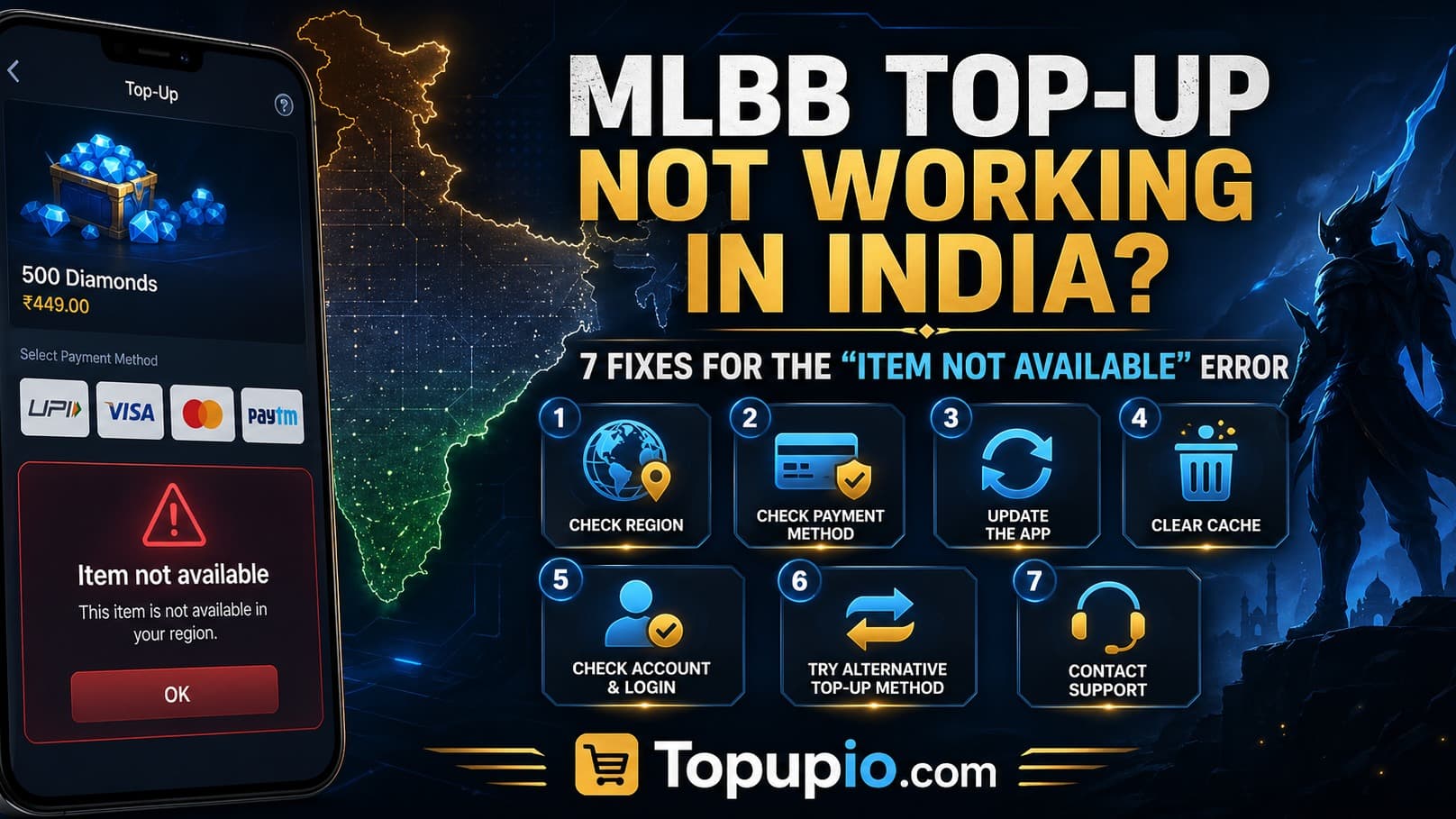
MLBB top-up not working in India? 7 fixes for the "item not available" error
You're trying to grab a hero skin before the next ranked match, you tap the diamond icon, choose your pack on Codashop or in-game — and you're hit with "item is not available in your region" or a flat payment failure. If your MLBB top-up is not working in India, you're not alone. Thousands of Mobile Legends players in India hit the same wall every week thanks to Codashop India service interruptions, regional restrictions on certain packs, UPI payment timeouts, and Google Play country mismatches.
This guide walks you through the 7 most common causes and exactly how to fix each one — and shows you the simplest workaround when none of the official routes cooperate. By the end, you'll know whether your problem is a 30-second app fix or a payment-route problem that needs a different platform entirely.
TL;DR — Quick answer
The "item is not available" error in MLBB usually comes from one of seven causes: wrong region settings, an outdated app version, a logged-out or guest account, a payment method that isn't supported in India, Codashop India downtime, age-verification gating, or a mismatched Moonton/Google Play country. Fix the simple ones first (relog, update, switch payment), and if Codashop India is down, top up in INR via Topupio using UPI — instant delivery, no region lock.
Why this error keeps hitting Indian players
Mobile Legends has a complicated history in India. The game was rebranded as Moba Legends: 5v5 for the Indian market to comply with local regulations, the original app was pulled from the Indian Play Store at one point, and Codashop India's MLBB section has been intermittently suspended or set to "service temporarily unavailable" multiple times over the past two years.
Layer on top of that:
Google Play country mismatch. If your Play Store account is registered in another country, certain MLBB IAP packs simply won't appear.
UPI payment failures. Even when Codashop accepts UPI, success rates fluctuate — banks sometimes flag gaming top-ups as suspicious.
USD-only checkout on global third-party sites, which means INR conversion fees, FX markups, and frequent card declines from Indian banks.
The result: a tiny region or payment misconfiguration produces the same generic "item not available" or "payment failed" error, and the in-game popup rarely tells you which one is the culprit.
Error → Fix mapping table (the 7 fixes)
# | What you see | Most likely cause | Fix |
|---|---|---|---|
1 | "Item is not available in your country/region" | Google Play country is set outside India | Set Play Store country to India; or top up via UID-based reseller |
2 | Payment fails after entering UPI PIN | Bank flagged the international gaming merchant | Try a different UPI app (GPay → PhonePe → Paytm) or switch to UPI on a domestic platform |
3 | "Service temporarily unavailable" on Codashop India | Codashop India MLBB downtime / suspension | Use a UID-based Indian alternative like Topupio |
4 | Top-up button greyed out in-game | App version outdated or login state broken | Update Mobile Legends, force-stop, log back in with Moonton account |
5 | "This account cannot make purchases" | Age verification / minor-account restriction | Complete age verification in Moonton settings |
6 | Pack visible but "purchase failed" with USD shown | You're on a global storefront billing in USD | Use an INR-priced top-up site instead |
7 | Diamonds purchased but not credited | UID/Zone ID mismatch or server-side delay | Recheck UID + Zone ID; contact support with order ID |
Pin this table — most "MLBB top-up not working in India" complaints map to one of these seven rows.
Fix 1: Set your Google Play country to India (and force a relog)
If you downloaded MLBB while travelling, used a VPN, or set up your phone with a non-India Google account, the in-game shop will pull pricing and SKU availability from that country. Indian-specific diamond packs and the MLBB diamonds India price schedule won't appear until your Play Store country matches.
Steps:
Open the Play Store → Profile → Settings → General → Account & device preferences → Country and profiles.
Confirm "India" is set as primary. (Google only allows one country change per year, so be careful.) SportskeedaAndroid Authority
Clear Play Store cache (Settings → Apps → Google Play Store → Storage → Clear cache).
Force-stop MLBB, reopen, and re-tap the diamond icon.
If "India" isn't even an option, your Google account was created in another region — in that case, skip this fight and use a UID-based Mobile Legends top up UPI route instead.
Fix 2: Switch UPI apps before assuming the site is broken
UPI failures on gaming top-ups are almost always at the bank/PSP layer, not the merchant. If GPay declines, PhonePe often goes through. If both fail, try Paytm. If all three fail on the same site within a minute of each other, the merchant's UPI gateway is the problem — not your account.
Quick checklist:
Make sure your daily UPI limit hasn't been hit (some banks cap merchant payments at ₹25,000/day).
Disable any "international transactions" block on your card if the gateway is routing through a global PSP.
Try the same purchase from a different network (mobile data instead of Wi-Fi) — some ISPs in India intermittently block gaming PSP endpoints.
If UPI keeps failing on Codashop or any USD-billing site, switch to an India-first reseller that runs a domestic UPI rail.
Fix 3: Confirm whether Codashop India is actually down
Codashop India has had multiple "service temporarily unavailable" notices over the past 18 months — sometimes for hours, sometimes for days, especially on the MLBB SKU. If you visit in.support.codashop.com and see a banner like "Codashop is currently unavailable. Service is expected to be back within the next few hours," that's your answer.
What to do:
Don't keep retrying — repeated failed attempts can trigger your bank's fraud lock.
Don't switch to Codashop's international (
/international) site unless you're prepared to pay in USD; INR cards will be charged FX markups and may be declined.Use an India-first alternative like Topupio's MLBB diamonds page, which prices in INR, accepts UPI, and uses the same UID-based recharge pipe as Codashop and SEAGM.
Fix 4: Update MLBB and re-login
A surprising number of "item not available" errors in 2026 are caused by an outdated client. Moonton has shipped multiple regional config updates — when your client and the server disagree on which packs your account can see, the shop greys out.
Update Mobile Legends from Play Store / App Store.
Force-stop the app.
If you're on guest mode, bind your account to Moonton/Google/Facebook — guest accounts often can't purchase.
Log out and log back in.
Reopen the diamond shop.
Fix 5: Complete age verification
If your Moonton profile is flagged as a minor (under 18), several diamond packs and most subscription products will be hidden. Open Settings → Account → Verify your age. This is also a common silent block on the Mobile Legends top up UPI flow when payment is initiated from inside the app.
Fix 6: Stop using USD-only global sites if you're in India
Sites that bill in USD will frequently fail Indian-issued cards because of:
RBI's mandated 2FA flow not being supported by the foreign PSP
International transactions being disabled on your card by default
FX markups of 1–3% surprising you at checkout
If you're seeing a successful order on a global site and then the diamonds never arrive, check whether the platform supports your specific Indian server. Many global resellers explicitly exclude India, Indonesia, Malaysia, Singapore, the Philippines, Vietnam, and Russia from their MLBB SKUs.
The cleanest fix: use a top-up site that prices in INR and is built for the Indian server.
Fix 7: Diamonds bought but not credited? Verify UID + Zone ID
Sometimes the order succeeds but the diamonds never arrive — usually because the UID or Zone ID was entered wrong. Open MLBB → tap your avatar (top-left) → Basic Info → your User ID is the long number, Zone ID is the shorter number in parentheses.
If they're correct and you still don't see the diamonds within 15 minutes, send your order ID + UID + Zone ID screenshot to the platform's support. On Topupio, support is on WhatsApp and Telegram and typically responds within minutes.
How to top up MLBB diamonds in India when nothing else works
When Codashop India is down or your Play Store flat-out refuses, use a UID-based Indian reseller. The flow:
Go to topupio.com.
Enter your User ID and Zone ID (no password — ever).
Pick your pack: 56, 86, 172, 257, 344, 706, or 2195 diamonds.
Pay with UPI (GPay, PhonePe, or Paytm) in INR.
Diamonds land in your MLBB account in seconds.
No Google Play region juggling. No USD billing. No "item not available" pop-up.
→ See our Genshin Impact top-up page and Honkai Star Rail top-up page if you also play HoYoverse titles.
FAQ
Why does MLBB say "item is not available in your country" even though I'm in India?
Usually because your Google Play Store country is set to a different region — common if you signed up while abroad or used a VPN. Set Play Store country to India (one change per year), clear the Play Store cache, force-stop MLBB, and reopen. If India isn't selectable, use a UID-based Indian reseller like Topupio so the in-game region doesn't matter.
Is Codashop India suspended for MLBB right now?
Codashop India has had repeated "service temporarily unavailable" notices over the past two years on its MLBB section. Status can change weekly. If you see that banner or your payment fails repeatedly, don't keep retrying (you'll trigger fraud locks). Switch to an INR-priced alternative like Topupio, which uses the same UID-based recharge method.
Can I use UPI to top up MLBB diamonds in India?
Yes — UPI through GPay, PhonePe, or Paytm is the most reliable payment method for MLBB diamonds India price purchases when used on a domestic platform. UPI on global USD-billing sites tends to fail because the payment is routed through international PSPs that aren't fully integrated with Indian banks.
Why are MLBB diamonds cheaper on third-party sites than in-game?
The in-game shop on Android routes through Google Play, which adds a 30% platform fee plus India's 18% GST on digital goods. UID-based recharge platforms bypass the Play Store entirely by topping up your account through Moonton's authorized API, which is why cheap MLBB diamonds are routinely 15–25% lower on direct top-up sites.
Do I need to share my MLBB password to top up? Never. Legitimate UID-based top-ups only need your User ID and Zone ID, both visible on your in-game profile. If a site asks for your password, email login, or Facebook credentials — leave immediately. That's account theft, not a top-up.
My MLBB diamonds were charged but not delivered. What now? Don't panic, and don't repurchase. Confirm your UID and Zone ID match exactly what's on your MLBB profile. Then send your order ID, payment screenshot, UID, and Zone ID to the platform's support channel. On Topupio, WhatsApp and Telegram support typically resolves missed deliveries within minutes.
Stop fighting the error — top up in INR with UPI
The problem: MLBB top-ups in India break for a dozen invisible reasons — Codashop India downtime, Play Store country mismatches, UPI failures on USD merchants, and version-locked SKUs.
Why Topupio solves it:
🇮🇳 Built India-first — INR pricing, no FX surprises, no USD checkout
⚡ Instant UID-based recharge for all MLBB diamond packs (56 → 2195+)
💸 UPI, GPay, PhonePe, Paytm all accepted natively
🛡️ No password ever required — just User ID + Zone ID
Trust signals: Trusted by Indian gamers, creators, and resellers. Instant digital delivery. Live WhatsApp and Telegram support. Secure UID-only recharge through the same authorized pipeline used by major global platforms. INR-priced, GST-clear, no hidden conversion fees.